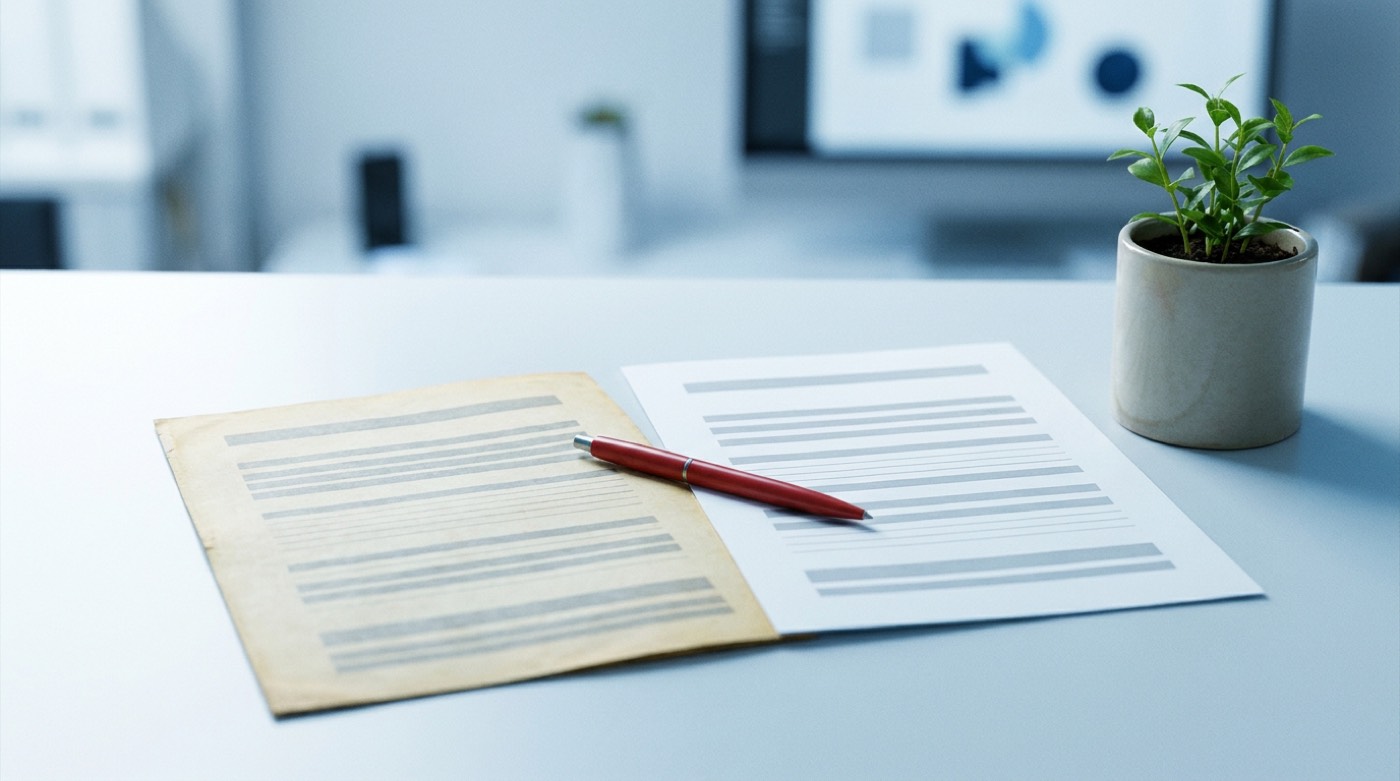
Writing new posts feels productive, but some of the best results come from improving the ones you already have. An old post has history: links pointing to it, a place in search results, readers who still arrive. Bringing it up to date is often quicker than starting again, and it protects work you have already paid for in time.
Choose what to update first
Look at your visitor figures and pick posts that fit one of these:
- they once brought steady visitors and have slowly declined;
- they still get visitors but contain out-of-date advice;
- they cover an important subject for your business, but thinly.
Posts that never found readers and no longer fit what you do can be merged into a stronger post or removed, with the old address redirected to the new one.
What to fix
- Facts and advice. Remove tools that have closed, prices that have changed and methods that no longer work.
- The opening. Make the first paragraph answer the reader's question quickly.
- Gaps. Add the questions readers have asked since you first wrote it.
- Links. Repair broken ones and link to your newer related posts.
- Readability. Shorter paragraphs, clear headings, a fresh image.
- The next step. Check that the post still points to something you currently offer.
Keep the address the same
Do not change the web address of a post unless you have to. The address is what other sites link to and what search engines know. If you must change it, set up a redirect from the old address to the new one.
Be honest about the date
If you have made real improvements, show a "last updated" date so readers know the advice is current. Changing the date without changing the content misleads people and gains nothing.
Make it a habit
Add one update a month to your editorial calendar. Over a year, twelve of your most valuable posts will have been refreshed, and the whole blog will feel looked after.